Volumetric Cloud in Deferred Rendering
This post covers the cloud rendering system built for a custom DirectX 12 deferred rendering engine. The engine implements an Iris-compatible shader pipeline (the modding framework behind Minecraft Java Edition shader packs), and the cloud system is part of the EnigmaDefault ShaderBundle modeled after the Complementary Reimagined aesthetic.
The engine supports two cloud rendering paths: a vanilla geometry cloud pipeline using CPU-side mesh generation based on Sodium’s design, and a volumetric cloud pipeline using screen-space ray marching in the deferred lighting pass. The EnigmaDefault ShaderBundle switches exclusively to the volumetric path, adding self-shadowing, height-gradient shading, and forward scattering.
Rendering pipeline architecture
The cloud system integrates into the engine’s multi-pass deferred rendering pipeline. Vanilla geometry clouds render during the GBuffer pass (gbuffers_clouds), while volumetric clouds are calculated in screen space during the first deferred lighting pass (deferred1). The volumetric pass writes cloud linear depth to modulate volumetric light shafts in subsequent composite passes.
flowchart TD
    subgraph GBuffer["GBuffer Pass"]
        GT["gbuffers_terrain"]
        GC["gbuffers_clouds\nVanilla geometry clouds"]
        GW["gbuffers_water"]
    end

    subgraph Deferred["Deferred Pass 1"]
        DL["Deferred Lighting"]
        AF["Atmospheric Fog"]
        VC["Volumetric Clouds\nRay March in Screen Space"]
        VCO["colortex5.a\nCloud Linear Depth"]
    end

    subgraph Composite["Composite Passes"]
        C1["Composite 1\nVolumetric Light + God Rays"]
        C5["Composite 5\nTonemapping + Color Grading"]
    end

    GBuffer --> Deferred
    DL --> AF --> VC --> VCO
    Deferred --> Composite
    VCO -.->|"vlFactor modulation"| C1
    C1 --> C5
Vanilla cloud rendering
The vanilla cloud pipeline ports the approach from Sodium’s CloudRenderer. Clouds are generated on the CPU as vertex geometry, uploaded to a vertex buffer, and rasterized through the standard GBuffer pass.
Geometry generation
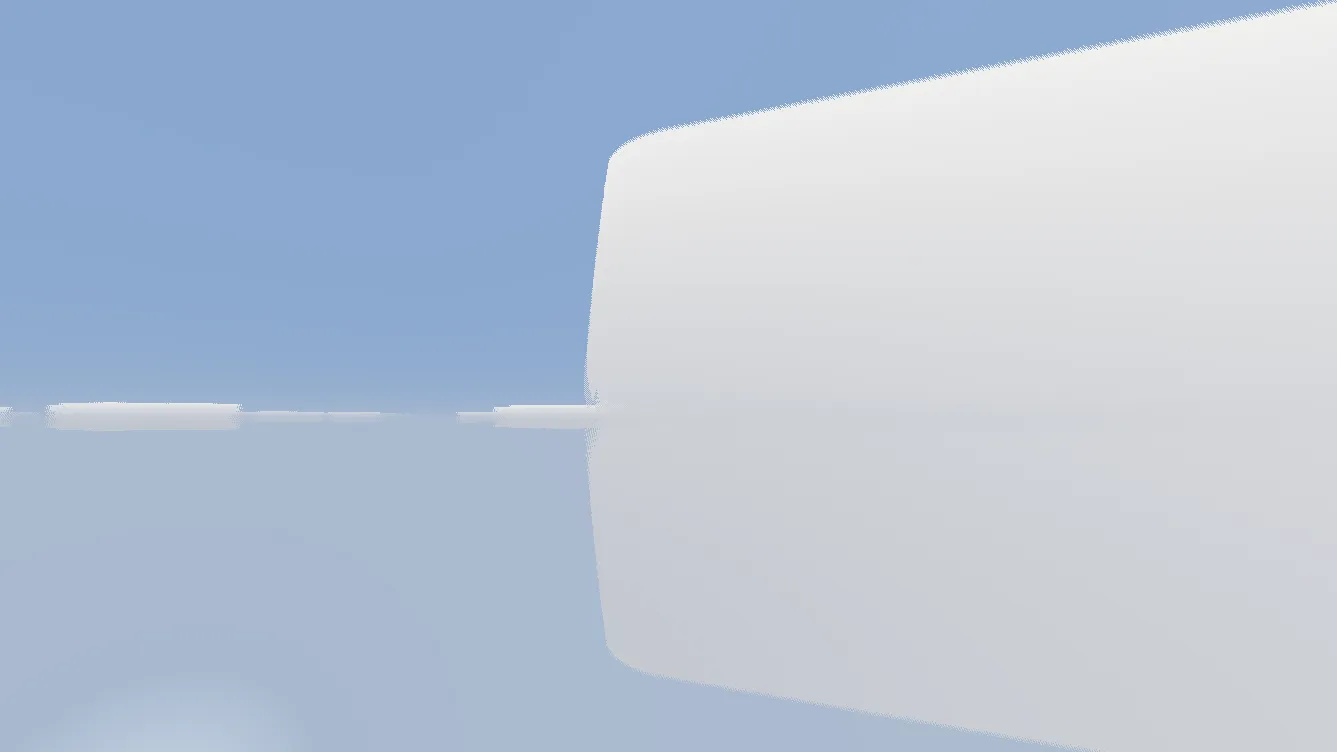
The cloud texture (clouds.png) is a 256x256 bitmap where each pixel represents a 12x12x4 block cell. The CPU reads this texture at load time and builds geometry using a spiral traversal algorithm that expands outward from the player’s position, ensuring cells closest to the camera are built first.
The traversal works in three steps:
- Center cell at the player’s grid position
- Diamond expansion from layer 1 out to the configured radius
- Corner fill for layers beyond the base radius to complete square coverage
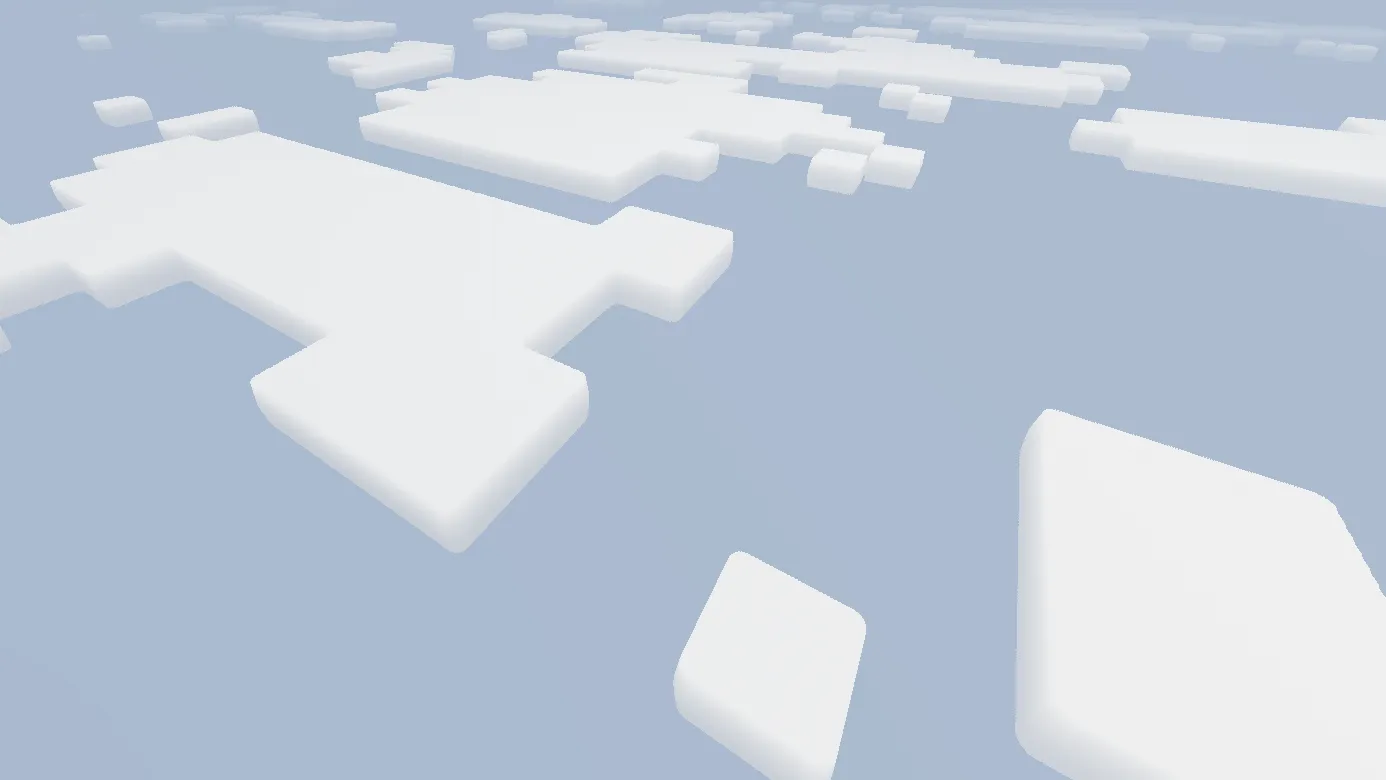
Each visible cell produces either a single horizontal quad (Fast mode) or a 12x12x4 box with up to six exterior faces and interior backfaces (Fancy mode). A face culling step removes faces that cannot be seen from the current camera orientation, keeping the vertex buffer small.
The coordinate system translates from Minecraft conventions (Y-up) to the engine’s Z-up system:
| Minecraft | Engine | Description |
|---|---|---|
| +X (East) | +Y (Left) | Horizontal axis |
| +Y (Up) | +Z (Up) | Vertical axis |
| +Z (South) | +X (Forward) | Depth axis |
Each face receives a directional brightness multiplier to approximate ambient occlusion: top faces receive 1.0, bottom faces 0.7, and side faces 0.8 and 0.9.
Visual output
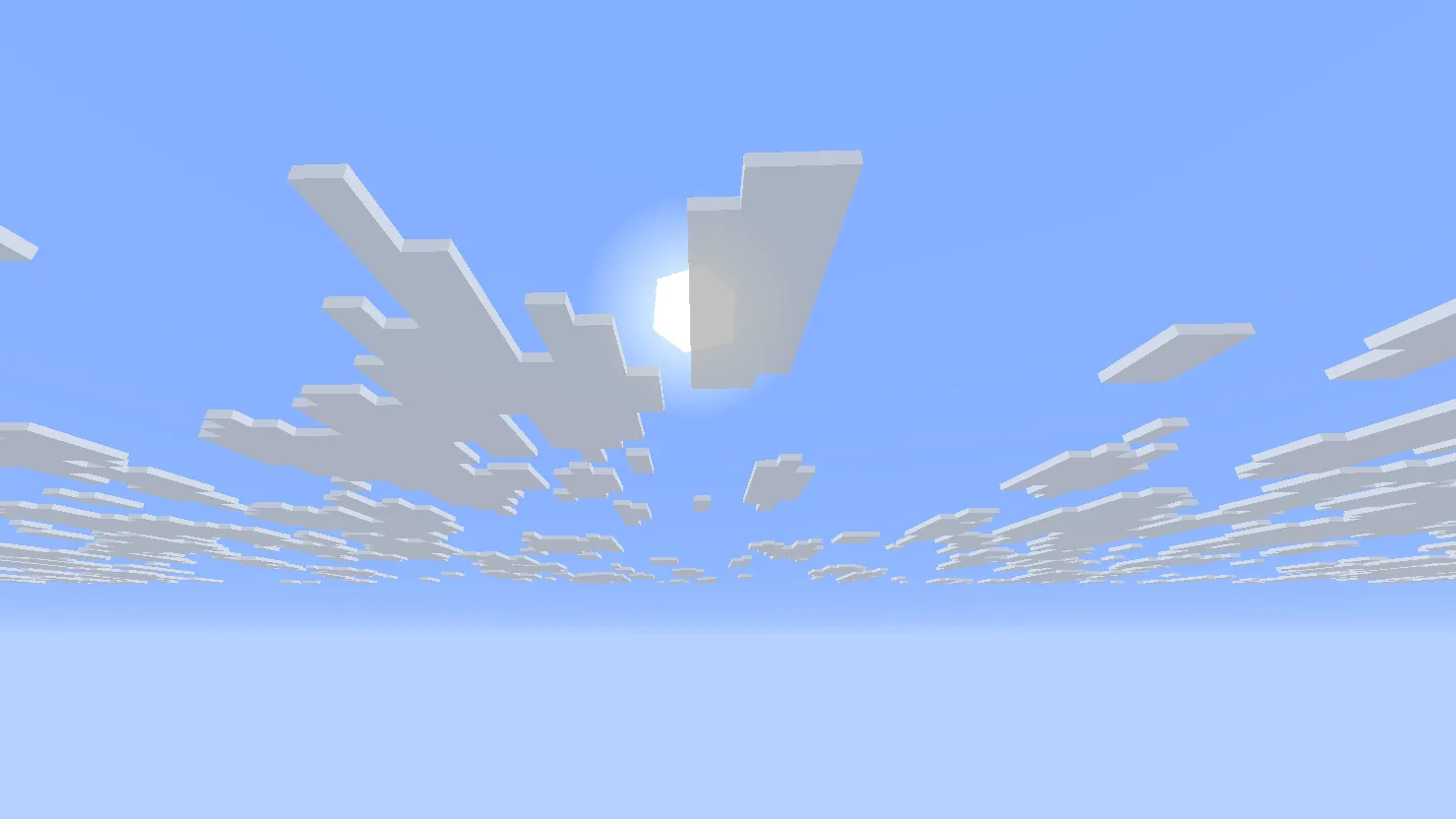
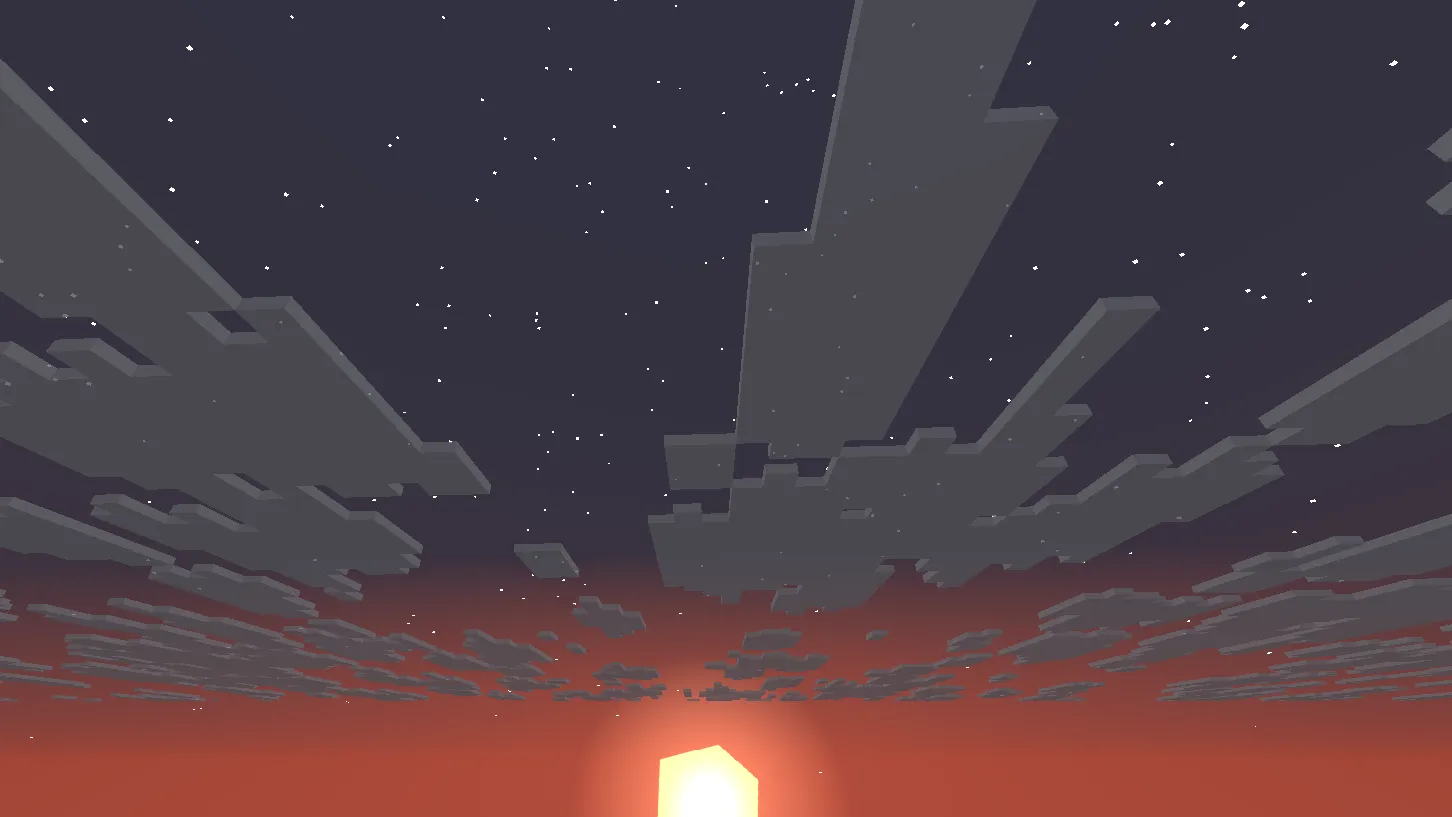
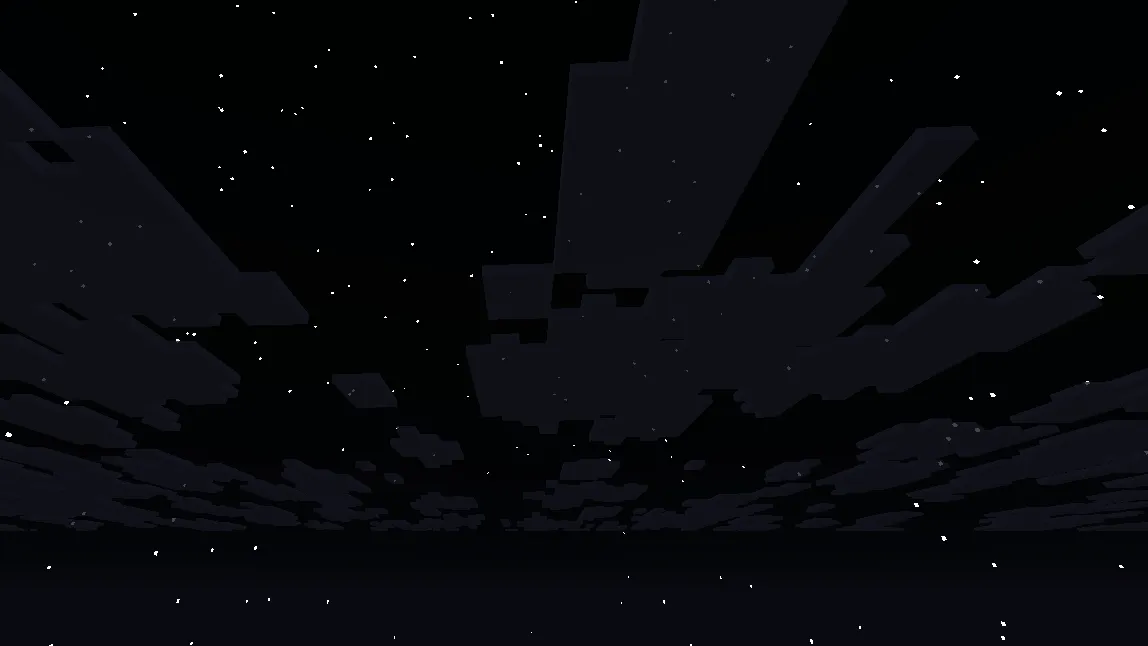
Volumetric cloud ray marching
The EnigmaDefault ShaderBundle replaces geometry clouds with screen-space ray marched volumetric clouds. The vanilla gbuffers_clouds pixel shader discards fragments, and the volumetric system runs in deferred1.ps.hlsl.
This implementation ports Complementary Reimagined’s cloud algorithm (reimaginedClouds.glsl) from GLSL to HLSL, adjusting for the engine’s coordinate conventions.
Ray marching algorithm
For each screen pixel, the shader casts a ray from the camera into the scene. If the ray intersects the cloud layer (a horizontal slab defined by CLOUD_ALT1 ± CLOUD_STRETCH), it marches along the ray inside that slab, sampling cloud density at each step.
flowchart LR
    A[Screen Pixel] --> B[Cast Ray from Camera]
    B --> C{Intersects Cloud Slab?}
    C -->|No| D[Return transparent]
    C -->|Yes| E[Compute near/far distances]
    E --> F[March: sample density at each step]
    F --> G{Cloud Hit?}
    G -->|No| F
    G -->|Yes| H[Compute Shading]
    H --> I[Self-Shadow Sampling]
    I --> J[Height Gradient + Scattering]
    J --> K[Output color + opacity]
The slab intersection determines entry and exit distances along the view ray:
float cloudUpper = float(cloudAltitude) + cloudStretch;
float cloudLower = float(cloudAltitude) - cloudStretch;

float distToUpper = (cloudUpper - camPos.z) / safeZ;
float distToLower = (cloudLower - camPos.z) / safeZ;

float nearDist = max(min(distToUpper, distToLower), 0.0);
float farDist  = min(max(distToUpper, distToLower), renderDistance);
Sample counts scale with quality settings: 16 samples on low, 32 on medium, and 48 on high. An Interleaved Gradient Noise dither staggers sample positions across adjacent pixels, which temporal anti-aliasing then resolves into a clean image.
Texture-driven cloud shape
Instead of generating cloud volumes from 3D Perlin or Worley noise, this system samples density from a 2D texture. The cloud-water.png texture (256x256) stores density data in its blue channel, lowering sampling overhead while maintaining stylized shapes.
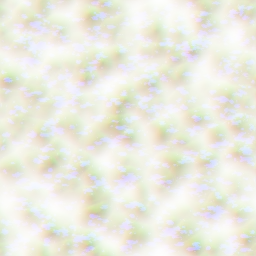
The sampling pipeline proceeds in four stages:
- Wind offset: World position is shifted by a wind vector driven by
worldTime, matching the in-game clock so cloud speed scales with time controls. - Coordinate mapping: The animated position is scaled by
CLOUD_NARROWNESS(0.07) and mapped into texture space withGetRoundedCloudCoord, which appliessmoothsteprounding for soft edges. - Height masking: Raw texture density is multiplied by a height falloff that peaks at cloud altitude and falls to zero at the slab edges.
- Thresholding: The masked density is raised to the 8th power (
Pow2(Pow2(Pow2(noise)))) to produce defined cloud boundaries. Values below 0.001 are discarded.
bool GetCloudNoise(float3 tracePos, inout float3 tracePosM, int cloudAltitude)
{
    tracePosM = ModifyTracePos(tracePos);

    float2    coord         = GetRoundedCloudCoord(tracePosM.xy, CLOUD_ROUNDNESS_SAMPLE);
    Texture2D cloudWaterTex = customImage3;
    float     noise         = cloudWaterTex.Sample(sampler0, coord).b;

    float heightFactor = abs(tracePos.z - float(cloudAltitude));
    float heightMask   = saturate(1.0 - heightFactor * CLOUD_NARROWNESS);
    noise *= heightMask;

    // 8th-power threshold: x^8 via three nested squares
    float threshold = Pow2(Pow2(Pow2(noise)));
    return threshold > 0.001;
}
Self-shadowing
At quality level 2 and above, the shader computes self-shadowing by sampling density along the light direction from each cloud hit. Two additional texture samples are taken at increasing offsets along the light vector, attenuating illumination where light passes through cloud mass:
#if CLOUD_QUALITY >= 2
{
    float shadowStep = CLOUD_SHADOW_STEP; // 1.0 world units

    [unroll]
    for (int s = 1; s <= 2; s++)
    {
        float3 shadowWorldPos = tracePos + lightDir * (shadowStep * float(s));
        float3 shadowPosM     = ModifyTracePos(shadowWorldPos);
        float2 shadowCoord    = GetRoundedCloudCoord(shadowPosM.xy, CLOUD_ROUNDNESS_SHADOW);
        float  shadowNoise    = cloudWaterTex.Sample(sampler0, shadowCoord).b;
        light -= shadowNoise * cloudShadingM * CLOUD_SHADOW_STRENGTH;
    }
    light = max(light, CLOUD_SHADOW_MIN); // Prevent full black
}
#endif
Shadow sampling uses a broader roundness parameter (0.35 versus 0.125 for shape) to soften shadow boundaries. The weight cloudShadingM depends on height (1 - heightGrad^2), casting deeper shadows near the base of the clouds than at the top.
Color and lighting model
The cloud color model balances ambient and direct illumination using three components:
Height gradient shading maps the vertical position within the cloud slab from 0.0 at the bottom to 1.0 at the top, shaped by an exponent (CLOUD_SHADING_POWER = 2.5). This produces naturally darker cloud undersides.
Forward scattering applies a half-Lambert transform to the view-to-sun dot product (VdotS * 0.5 + 0.5), brightening cloud edges when looking toward the sun.
Time-of-day transitions blend warm daytime sunlight with cool blue moonlight at night, modulated by sunVisibility^2 for continuous changes across dusk and dawn.
The combined color evaluates as:
float3 cloudColor = cloudAmbient * 0.95 * (1.0 - 0.35 * cloudShading)
                  + cloudLight * (0.1 + cloudShading);
A distance fog term blends the final cloud color into the sky near the edge of the render distance to prevent abrupt clipping.
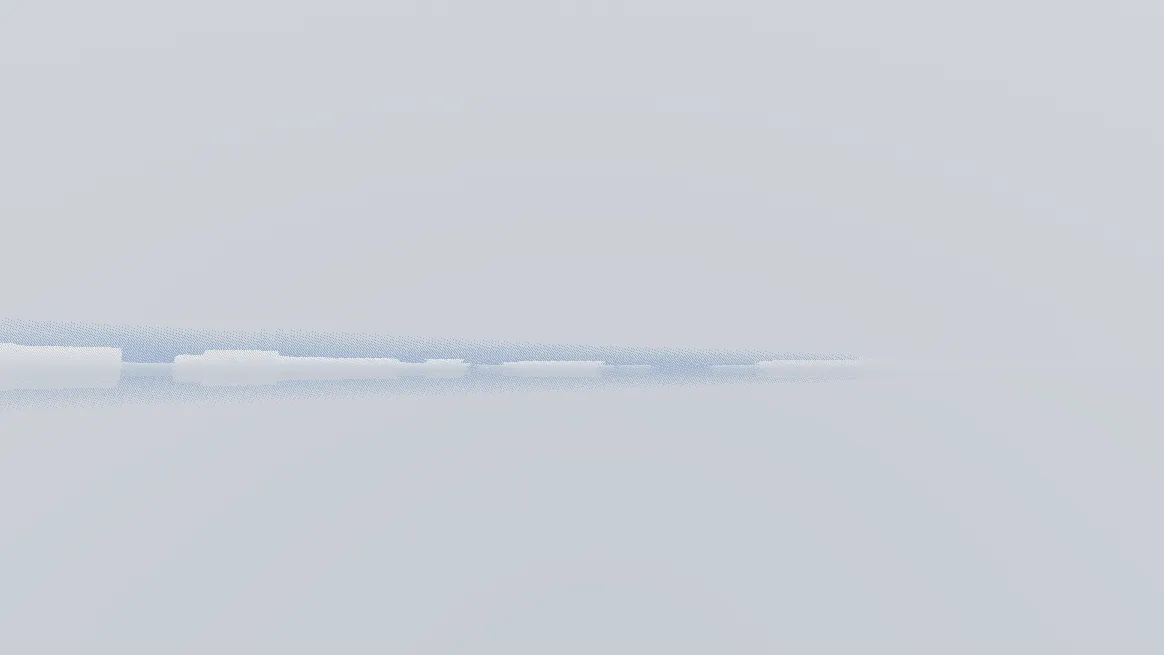
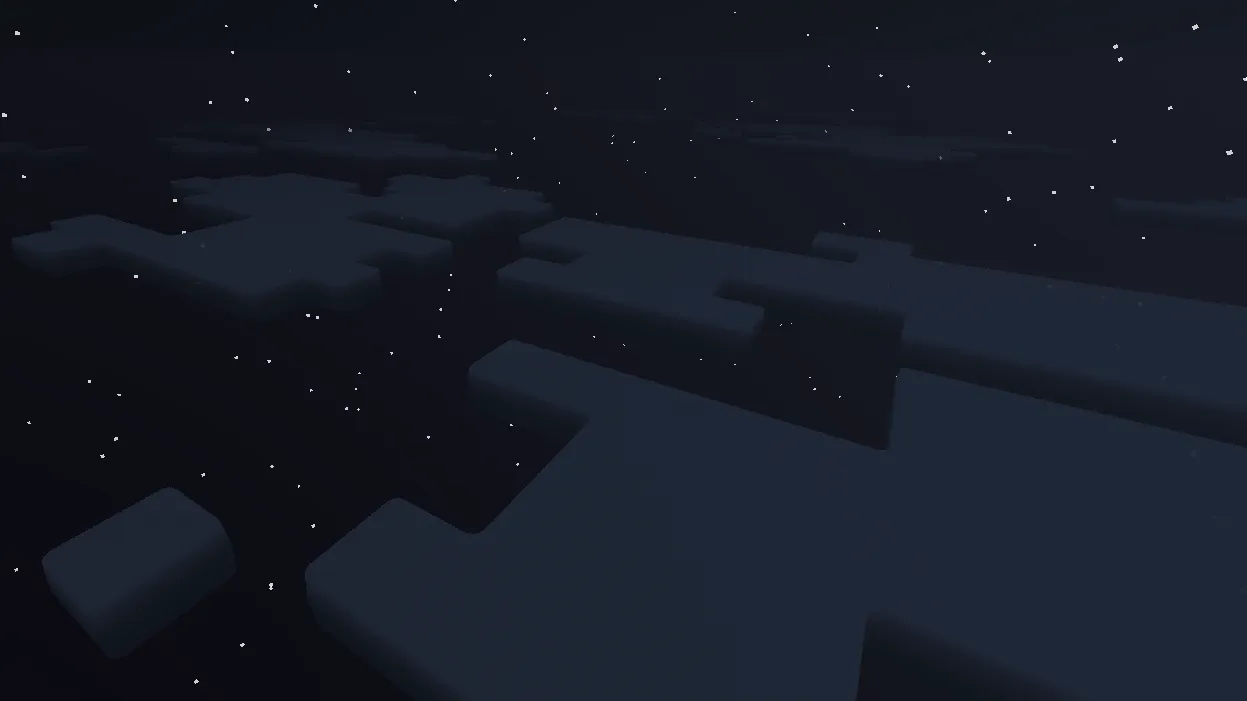
Cloud visuals across conditions
Configuration options
Cloud parameters are exposed in settings.hlsl as compile-time defines with slider ranges matching the Iris/OptiFine specification:
| Parameter | Default | Range | Purpose |
|---|---|---|---|
CLOUD_QUALITY | 3 | 1, 2, 3 | Ray march sample count (16/32/48) |
CLOUD_ALT1 | 192 | -96 to 800 | Primary cloud layer altitude |
CLOUD_STRETCH | 4.2 | fixed | Cloud slab vertical thickness |
CLOUD_SPEED_MULT | 100 | 0 to 900 | Wind animation speed multiplier |
CLOUD_NARROWNESS | 0.07 | fixed | Height density falloff rate |
CLOUD_SHADING_POWER | 2.5 | 1.0 to 3.5 | Height gradient curve exponent |
CLOUD_SHADOW_STRENGTH | 0.35 | 0.1 to 0.7 | Self-shadow attenuation per sample |
CLOUD_SHADOW_MIN | 0.3 | 0.1 to 0.5 | Minimum light (prevents full black) |
CLOUD_R/G/B | 100 | 25 to 300 | RGB color tint (percentage) |
DOUBLE_REIM_CLOUDS | 0 | 0, 1 | Enable dual cloud layers |
Night lighting uses independent ambient and moonlight settings:
#define CLOUD_NIGHT_AMBIENT float3(0.09, 0.12, 0.17)
#define CLOUD_NIGHT_AMBIENT_MULT 1.4
#define CLOUD_NIGHT_LIGHT float3(0.11, 0.14, 0.20)
#define CLOUD_NIGHT_LIGHT_MULT 0.9
Volumetric light integration
The volumetric cloud pass writes linear cloud depth to colortex5.a. The composite pass uses this depth value to modulate god rays: if a god ray sample lies behind a cloud, vlFactor attenuates its brightness, preventing rays from passing through cloud masses.
// In deferred1: output cloud depth for VL modulation
cloudLinearDepth = sqrt(lTracePos / renderDistance);
This couples the two atmospheric passes without requiring the volumetric light shader to re-evaluate cloud density.
Results
Design decisions
Dual-pipeline structure
The engine maintains vanilla geometry clouds and volumetric ray marched clouds as separate systems. The vanilla pipeline provides a lightweight fallback, while the EnigmaDefault ShaderBundle disables it via discard and runs the screen-space pass.
2D texture sampling over 3D noise
Cloud shapes use 2D texture lookups in cloud-water.png rather than 3D noise volumes. Paired with the 8th-power threshold for clean edges, this cuts sampling cost while height gradients and directional shadow steps add volumetric depth.
Compile-time parameter controls
Artistic parameters live in settings.hlsl as compile-time defines with slider ranges. Settings like altitude, thickness, speed, and shadow intensity can be adjusted without rewriting shader code, while unused quality branches are pruned during compilation.
Inter-pass depth coupling
Rather than isolating clouds as a self-contained effect, the pass outputs linear depth to modulate volumetric light shafts and respects terrain occlusion per sample. This handles occlusions between mountains, clouds, and god rays without duplicate density sampling.
Looking For More?
Check out some of our other blogs if you haven't already!