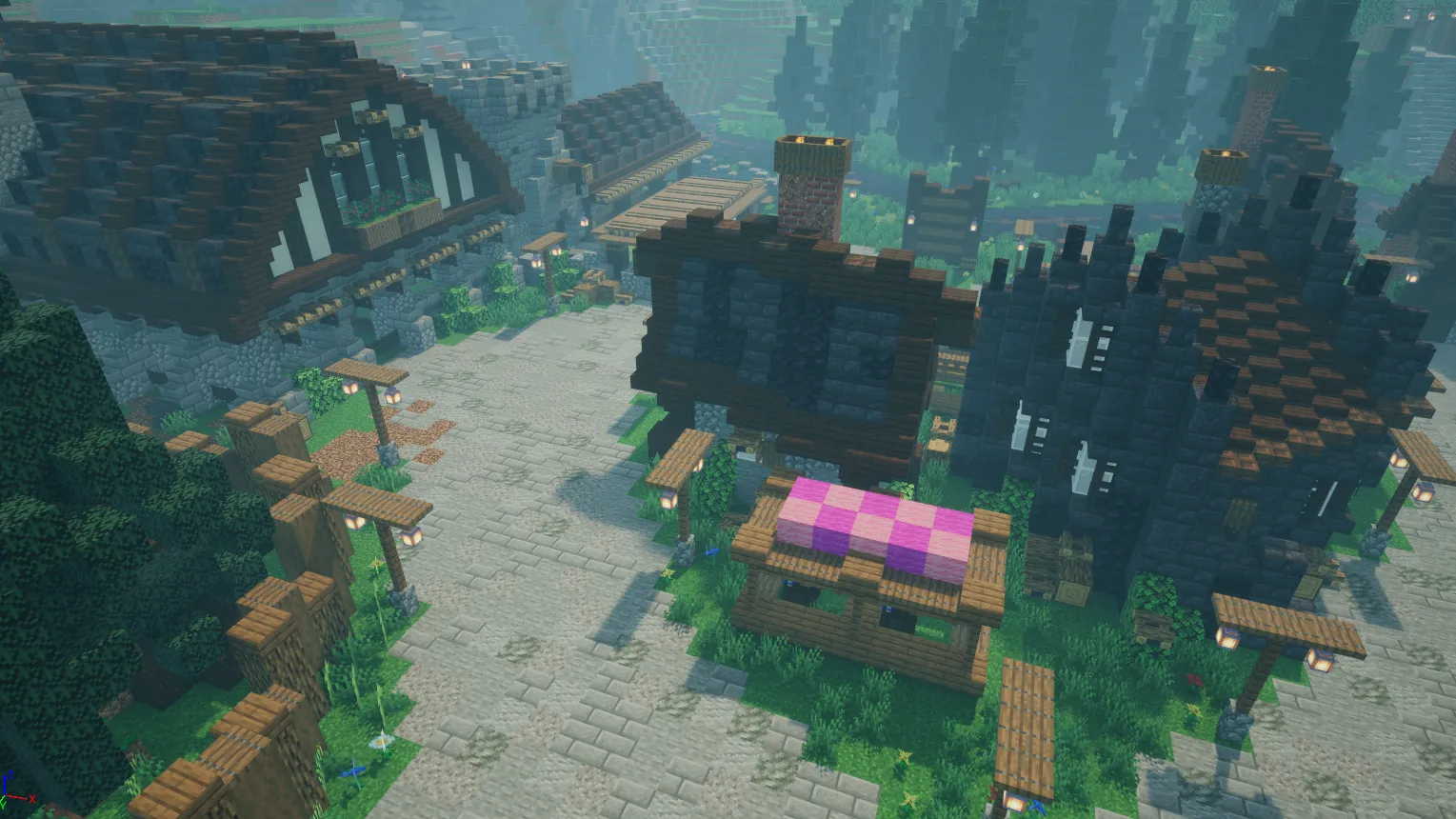
CharmingCraft is a top-down action-adventure game built in Unreal Engine 5 with C++, drawing inspiration from Minecraft Dungeons and Albion Online. The project includes an action framework with item-bound skills, a data-driven buff pipeline, a Chain of Responsibility damage model, behavior tree AI with Environment Query System (EQS), modular building and farming, DataAsset-driven crafting, dynamic level streaming with persistent item drops, and a circular save slot manager.
Combat and ability framework
Item skill system
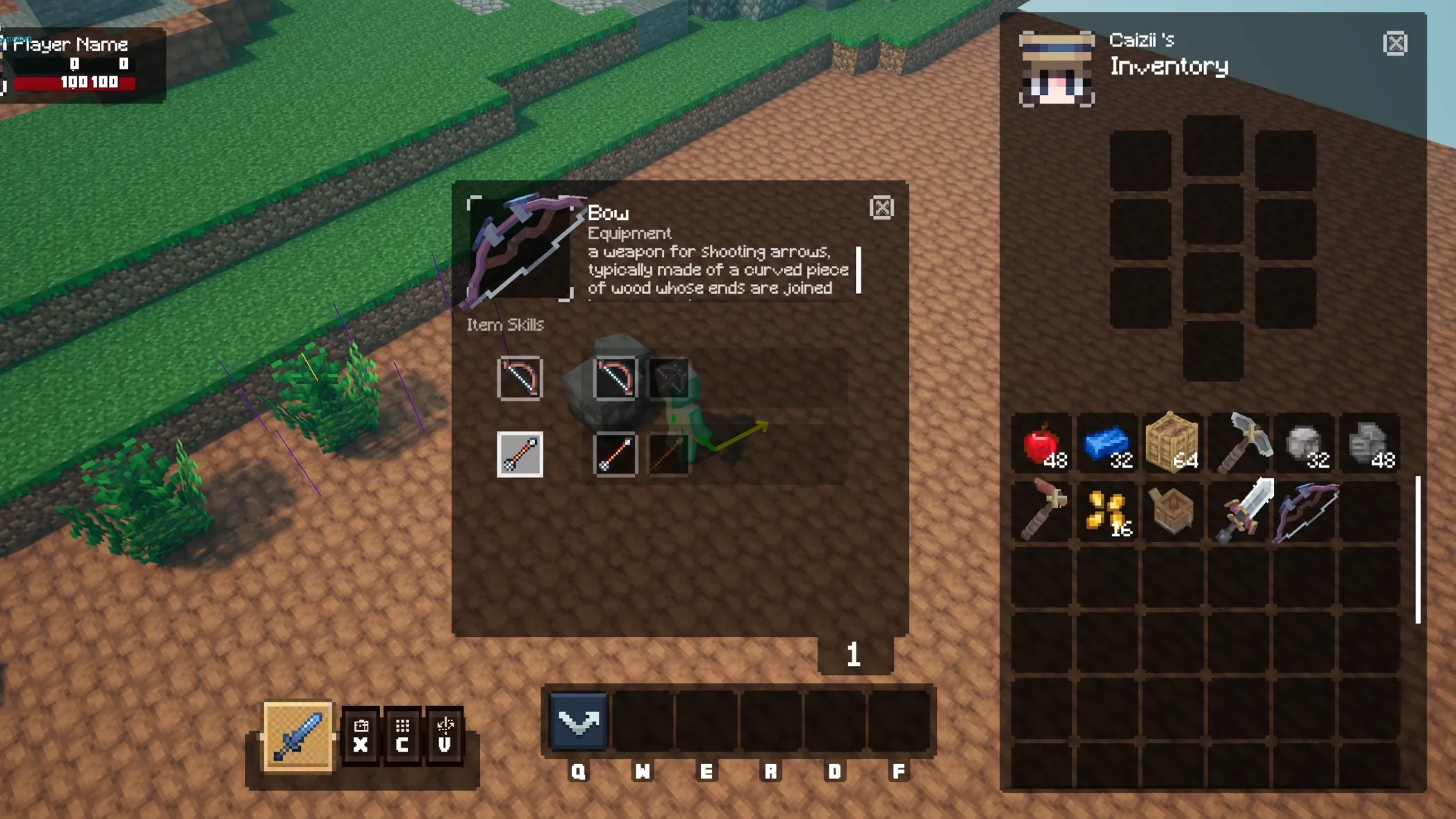
The item skill system adapts Albion Online’s design, where equipment items carry multiple skill options across nine dedicated slots: USE, SHIFT, SHIFT_INTERACT, RIGHT_CLICK, HOTBAR_CAST, INTERACT, PASSIVE, ON_HIT, and ON_ATTACK. Players choose which skill to bind from each item’s pool, allowing two identical weapons to function differently based on loadout choices.
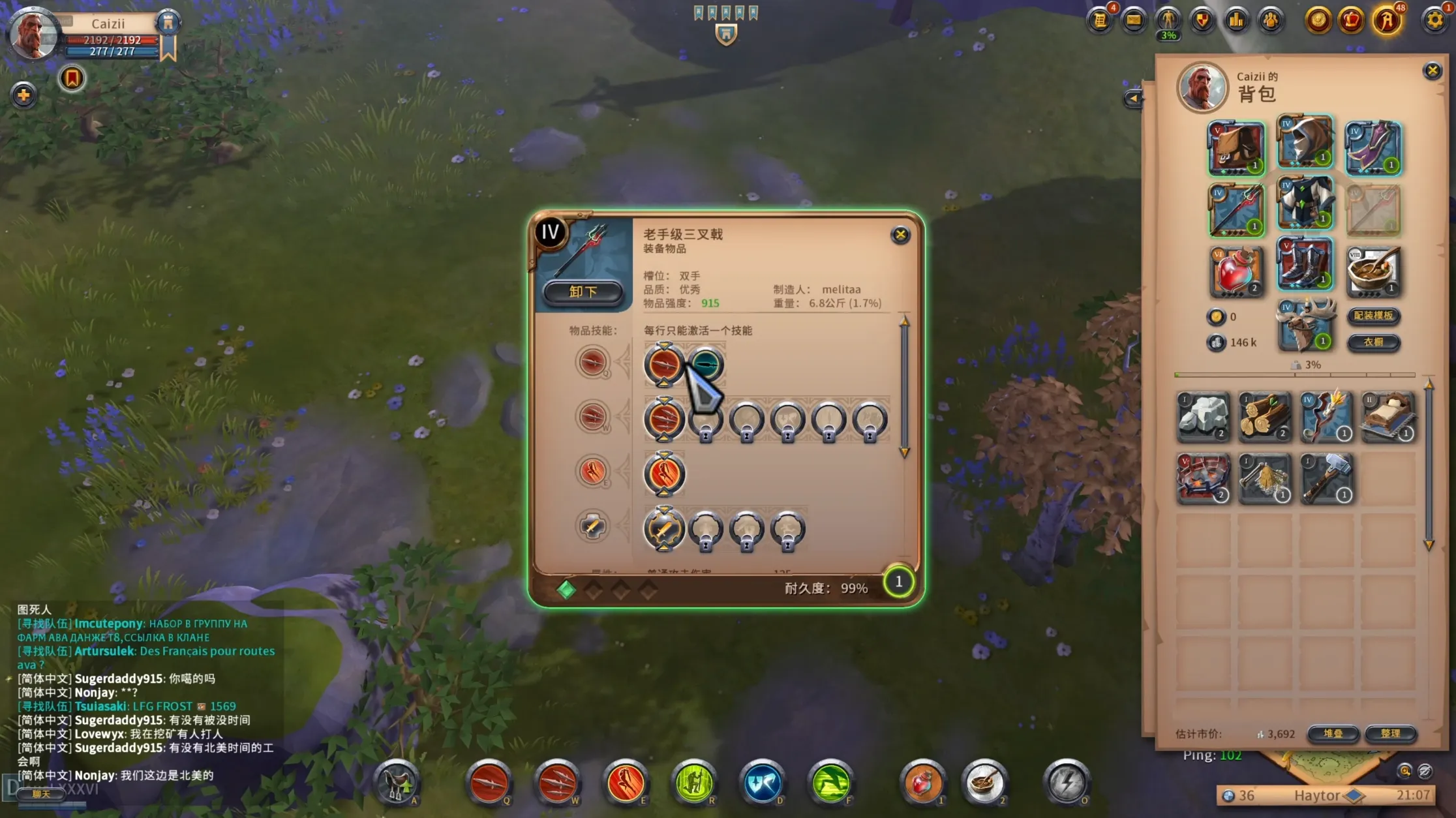
The container class UItemDynamicSkill manages available skills on an item. PASSIVE slots apply persistent stat modifiers, ON_HIT triggers effects upon weapon collision (such as frost or poison), and ON_ATTACK triggers when an attack begins.
When a player selects an ability in the interface, the choice is saved to ItemMeta.BindItemDynamicSkill as a map of slot types to UNativeAction instances. At runtime, UCraftActionComponent reads these bindings and triggers them in response to player input or combat events.
Action and combat system
The combat framework uses a custom action model built around Unreal GameplayTags. UNativeAction serves as the base class, with UNativeItemAction adding stack requirements, UNativeEquipmentAction adding spawned equipment actor support, and subclasses like UNativeStandardMeleeAction and UNativeStandardRangedAction implementing specific weapon attacks.
graph TD
    subgraph Action Hierarchy
        NA[UNativeAction]
        NIA[UNativeItemAction]
        NEA[UNativeEquipmentAction]
        NSMA[UNativeStandardMeleeAction]
        NSRA[UNativeStandardRangedAction]
        NOHA[UNativeOnHitAction]
    end

    NA --> NIA
    NIA --> NEA
    NIA --> NOHA
    NEA --> NSMA
    NEA --> NSRA

    subgraph Action Lifecycle
        CS[CanStart] --> SA[StartAction]
        SA --> IR[IsRunning]
        IR --> STA[StopAction]
        STA --> CD[StartCoolDown]
        CD --> CF[CooldownFinished]
    end
Melee actions trace weapon arcs each frame through StartMeleeActionTrace() and MeleeActionTick(), applying damage on contact via OnActionHit(). Ranged actions spawn ABaseActionActor projectiles that support custom OnHitActions, OnSpawnActions, and OnTickActions, allowing projectiles to execute secondary effects like ground fire on impact.
Damage calculation follows the Chain of Responsibility pattern. FHitData packages physical, magic, and true damage alongside critical hit flags and OnHitBuffList. UDamageChain passes this payload through successive handlers: PhysicalDamageHandler calculates armor reduction, MagicDamageHandler evaluates magic defense, TrueDamageHandler passes unmitigated damage, and BuffApplicationHandler applies status effects. This structure allows adding new damage calculations without changing existing handlers.
Swords use a five-part modular assembly (ASwordEntityActorP5) that renders blade, fuller, guard, hilt, and pommel as separate mesh components, enabling visual customization through UMaterialInstanceDynamic.
Buff and attribute system
Designers define buffs through UBuffData assets and UBaseBuffModel Blueprint subclasses. Runtime state (remaining duration, stack counts, and instigator references) lives in UBuffInfo, managed by UBuffHandlerComponent.

Stacking and timing rules are configured per buff: EBuffTimeUpdate controls whether reapplying refreshes duration, accumulates time, or maintains the current timer. EBuffRemoveStackUpdate chooses between clearing all stacks or decrementing individually. UModifyPropertyBuffModel adjusts FPlayerAttribute deltas directly to handle stat modifiers or damage over time.
Entity stats are tracked by UDAttributeComponent, covering health, mana, attack power, armor, resistances, critical chance, move speed, level, and experience. This component is shared between players and NPCs.
AI and creature behavior
Creatures use behavior trees and EQS queries. The skeleton enemy evaluates terrain to maintain ranged distance from the player and retreats to cast self-healing when health drops below a threshold. The Crimson Furbeak roams peacefully until attacked, chases its aggressor, and returns to roaming once the target escapes its chase radius.
Creatures inherit from ANativeCreature, which implements IDamageable, IMouseInteractInterface, and ILootableInterface. ANativeCreatureAIController initializes the assigned behavior tree on possession, with hit response montages mapped through EDamageResponse and tethering logic that returns creatures to their spawn origins.
Loot generation reads from UDropTableData assets specifying item types, drop chances, and quantities. Dropped loot spawns as ADropItem actors with bobbing animations.
Sandbox systems
Building system
The building system uses the Strategy pattern through UBaseBuildModel. UBuildModuleManager runs ray traces from the camera to the cursor, enforces 100-unit grid snapping, validates placement with FPlaceValidation, and updates an AFrameActor preview outline.
Equipping a tool activates its corresponding build model. UToolBuildModel manages structural tools like hoes and pickaxes, while USeedsBuildModel handles crop planting. Structures placed in the world persist across level streaming boundaries, and buildings can link to interior sub-levels via soft object references.
Farming system
Farming builds upon the placement pipeline. The hoe activates HoeBuildModel to display a tilling grid overlay, converting valid soil into farm plots. Equipping seeds switches to USeedsBuildModel, consuming inventory items and initiating crop growth managed by ABlockEntityActor.
Crafting system
Crafting relies on UBaseRecipeEntry DataAssets that define recipe categories, ingredients, and outputs. At startup, URecipeRegistry indexes recipes into a container collection.
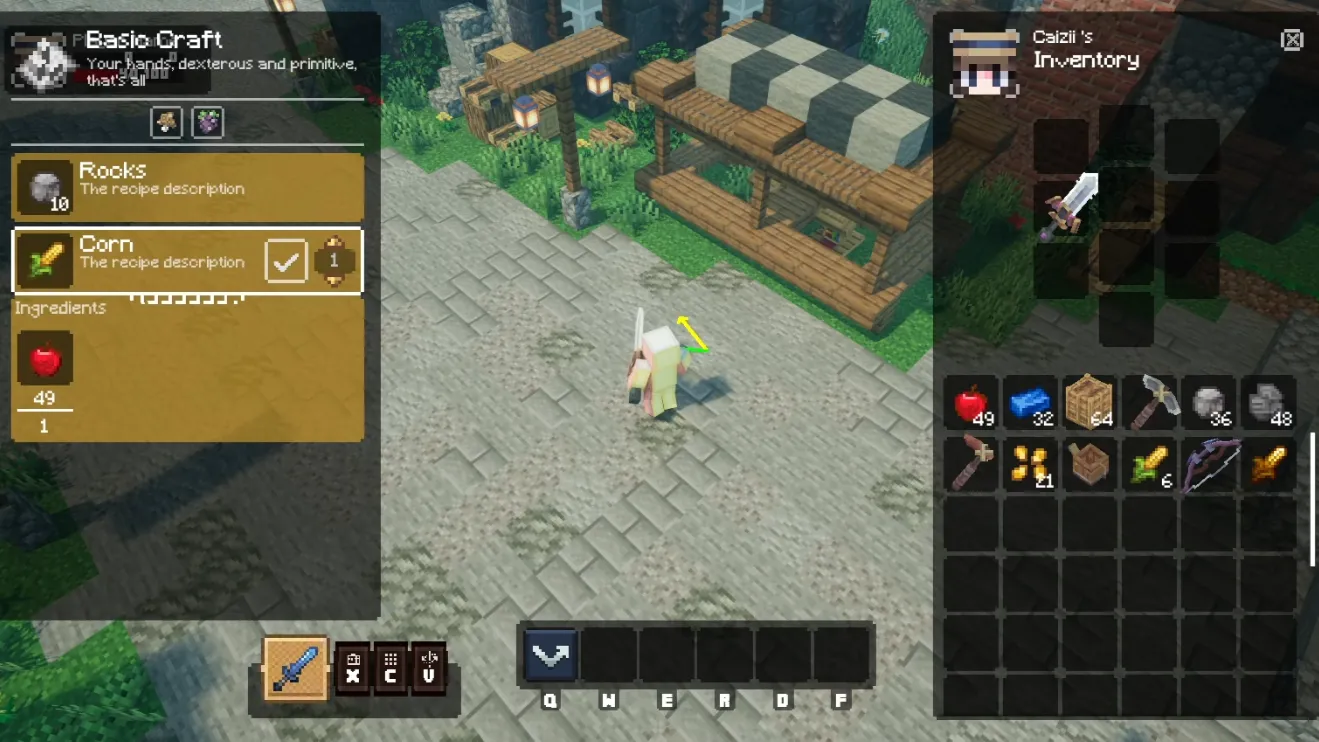
UBaseCraftHandler verifies ingredient availability with OnCheckRecipeIngredientMatch, then broadcasts OnCraftProcessStart and OnCraftProcessFinish to drive UI progress bars and sound effects.
Resource gathering

Resource nodes integrate with Unreal Engine’s Chaos destruction framework. Mining a ore node or chopping a tree triggers physics fractures on the mesh before spawning drop items into the world.
World management and persistence
Scene transitions and streaming
The world system divides spaces into open regions, instanced interiors, and dungeons. UWorldManager coordinates streaming levels via ULevelStreamingDynamic, loading world maps lazily using TSoftObjectPtr<UWorld>.
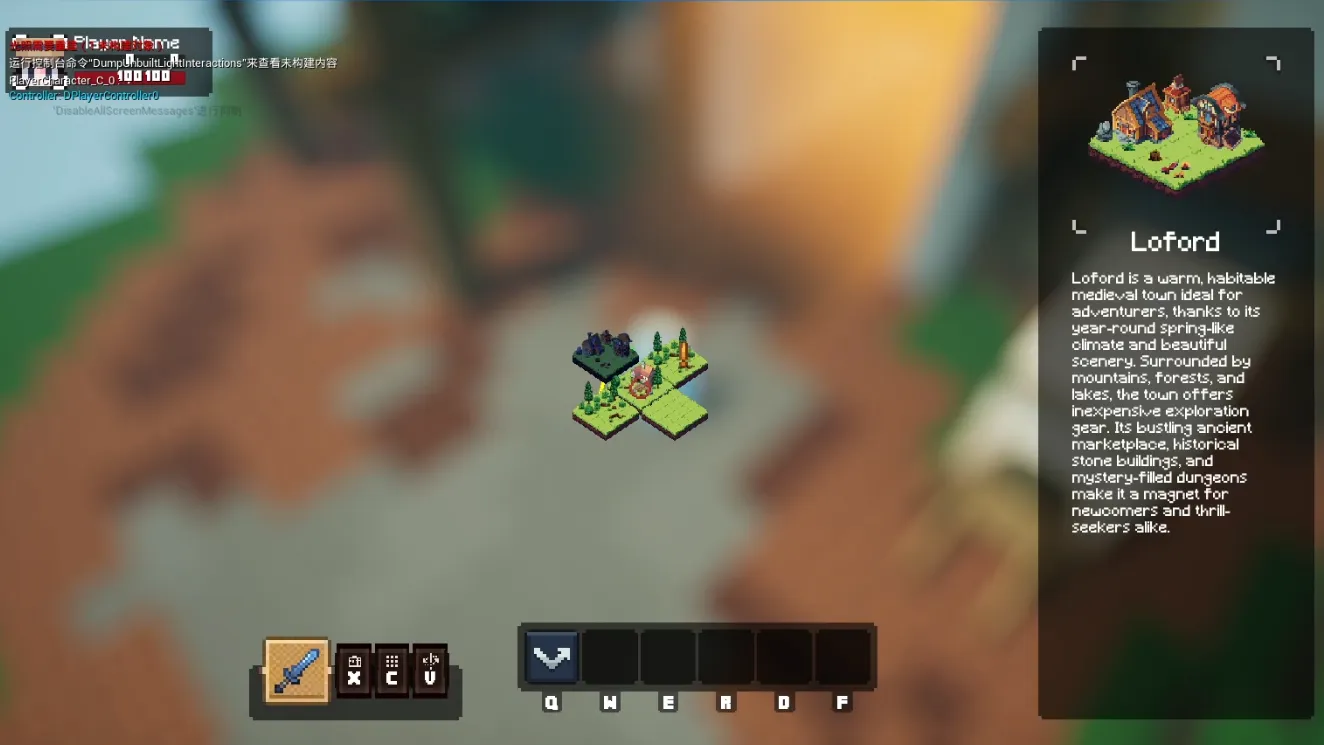
Players travel between zones through ACraftWarpPoint actors. The world manager manages visibility toggles and active player assignments. Items dropped on the ground persist across world changes.
Individual terrain chunks (ALandChunk) manage local streaming states (LOADED, PENDING_UNLOADED, UNLOADED) alongside biome definitions, resource pools, and spawn budgets.
Save system and slot management
UGameSaveManager stores save slots in a doubly linked list (TDoubleLinkedList<FSaveSlotInfo>) for circular navigation in the UI. Each entry includes slot metadata and containers for player inventory, world status, quest progress, and scene states.
Objects implementing ISerializable provide SerializeToJson() and DeserializeFromJson() implementations, allowing components to join the save pipeline independently.
System architecture
Subsystems are owned by UCharmingCraftInstance. A central UGameEventHandler exposes multicast delegates across inventory, building, combat, and world events to minimize direct coupling between managers and actors.
graph TD
    subgraph Game Instance
        GI[UCharmingCraftInstance]
    end

    subgraph Core Managers
        SM[UGameSaveManager]
        WM[UWorldManager]
        BM[UBuildModuleManager]
        CM[UCameraManager]
        RR[URecipeRegistry]
        DH[UNativeDungeonHandler]
        PM[UPlayerModeManager]
    end

    subgraph Event Bus
        GEH[UGameEventHandler]
    end

    subgraph Entity Systems
        PC[ANativePlayerCharacter]
        NC[ANativeCreature]
        DI[ADropItem]
    end

    subgraph Shared Components
        AC[UCraftActionComponent]
        IC[UInventoryComponent]
        EC[UEquipmentComponent]
        DA[UDAttributeComponent]
        BC[UBuffHandlerComponent]
    end

    GI --> SM
    GI --> WM
    GI --> BM
    GI --> CM
    GI --> RR
    GI --> DH
    GI --> PM
    GI --> GEH

    GEH -.->|broadcasts| PC
    GEH -.->|broadcasts| NC
    GEH -.->|broadcasts| BM
    GEH -.->|broadcasts| WM

    PC --> AC
    PC --> IC
    PC --> EC
    PC --> DA
    PC --> BC

    NC --> AC
    NC --> IC
    NC --> DA
    NC --> BC
Design decisions
Data-driven configuration
Core features (buff behaviors, recipes, drop tables, item skills, and creature stats) are authored in DataAssets or Blueprint subclasses, keeping balance adjustments out of C++ code.
Event bus decoupling
UGameEventHandler routes notifications across world management, combat, and building. Systems broadcast and subscribe to events rather than keeping direct references to each other.
Strategy pattern for gameplay tools
Placing objects, resolving damage chains, and applying buffs all use polymorphic models (UBaseBuildModel, UDamageHandler, and UBaseBuffModel). New behaviors are introduced as subclasses without editing the dispatch loops.
Shared entity components
Players and creatures share the same attribute, buff, and action components, ensuring damage calculations and status effects work uniformly across all character types.
Interface-based serialization
The ISerializable interface standardizes JSON serialization across saveable actors, isolating file I/O from individual actor mechanics.