Volumetric Light in Deferred Rendering
This post covers the volumetric light I built for a custom DirectX 12 deferred rendering engine. The engine runs an Iris-compatible shader pipeline, and the volumetric light is part of the EnigmaDefault ShaderBundle targeting a Complementary Reimagined visual style.
The system uses shadow map ray marching in the composite pass to produce screen-space light shafts. It integrates with the volumetric cloud system (cloud depth modulates VL intensity), supports colored underwater light rays through dual shadow map testing, and features a full time-of-day color pipeline with configurable artistic parameters.
Rendering Pipeline Overview
Volumetric light computation happens in composite1.ps.hlsl, after the deferred lighting pass has produced the lit scene and cloud depth. The cloud linear depth from deferred1 feeds into the VL system as a modulation factor, and the final VL contribution is additively blended into the scene before tonemapping.
flowchart TD
    subgraph Deferred["Deferred Pass 1"]
        D1["Deferred Lighting + Atmospheric Fog"]
        D2["Volumetric Clouds"]
        D3["Output colortex5.a\nCloud Linear Depth"]
    end

    subgraph Composite1["Composite Pass 1"]
        C1A["Read vlFactor from colortex5.a"]
        C1B["Underwater Effects"]
        C1C["VL Ray March\nShadow Map Sampling"]
        C1D["Additive Blend\nsceneColor += vl"]
    end

    subgraph Composite5["Composite Pass 5"]
        C5["Tonemapping + Color Grading"]
    end

    D1 --> D2 --> D3
    D3 -.->|"vlFactor"| C1A
    C1A --> C1B --> C1C --> C1D
    Composite1 --> Composite5
Shadow Map Ray Marching
The core algorithm casts a ray from the camera toward each screen pixel, stepping through the scene and sampling the shadow map at each position. If a sample falls in lit space (not occluded by the shadow map), it contributes to the accumulated volumetric light. The result is a per-pixel light shaft intensity that gets colored and blended into the scene.
flowchart LR
    A["Screen Pixel"] --> B["Reconstruct World Position"]
    B --> C["Compute Ray: camera to world pos"]
    C --> D{"Sun Elevation Gate\npassed?"}
    D -->|No| E["Return black"]
    D -->|Yes| F["March along ray"]
    F --> G["Sample shadow map\nat each step"]
    G --> H["Accumulate lit samples"]
    H --> I["Apply color + modulation"]
    I --> J["Additive blend to scene"]
Sun Elevation Gating
Before any ray marching begins, the system checks whether the sun is high enough above the horizon to produce meaningful light shafts. This prevents shadow map artifacts that occur at grazing angles, where depth precision degrades.
float vlTime = saturate((abs(SdotU) - VL_SUN_DEADZONE) / VL_SUN_FADE_RANGE);
if (vlTime <= 0.0)
    return float3(0.0, 0.0, 0.0);
The SdotU value is the dot product between the sun direction and the up vector (the sun’s elevation angle). When |SdotU| falls below the deadzone (0.05), VL is completely disabled. Between the deadzone and the fade range (0.05 to 0.25), VL linearly ramps to full intensity. This creates a smooth fade during sunrise and sunset transitions.
The Ray March Loop
Each pixel’s ray is divided into evenly spaced steps from the camera toward the fragment’s world position. The step count depends on quality level and time of day:
| Quality | Day Samples | Night Samples |
|---|---|---|
| 1 (Low) | 12 | 6 |
| 2 (Medium) | 20 | 10 |
| 3 (High) | 30 | 15 |
| 4 (Ultra) | 50 | 30 |
A dither offset (interleaved gradient noise) shifts the ray starting position per pixel, breaking up banding artifacts that temporal anti-aliasing then smooths out.
float3 rayStep = (rayDir * maxDist) / float(sampleCount);
float3 currentPos = cameraPos + rayStep * dither; // Staggered start

for (int i = 0; i < sampleCount; i++)
{
    float3 shadowUV = WorldToShadowUV(currentPos, shadowView, shadowProj);

    if (IsValidShadowUV(shadowUV))
    {
        float shadow0 = SampleShadowMap(shadowUV, currentPos, ...);
        vlSample = float3(shadow0, shadow0, shadow0);
    }

    // Weight: far samples contribute more than near samples
    float percentComplete = float(i + 1) / float(sampleCount);
    float sampleMult = lerp(percentComplete * 3.0, 1.0, vlSceneIntensity);
    sampleMult /= float(sampleCount);

    volumetricLight += float4(vlSample, 0.0) * sampleMult;
    currentPos += rayStep;
}
Each sample is weighted by its position along the ray. Without scene intensity (no clouds), far samples receive up to 3x the weight of near samples, emphasizing distant light shafts. With full scene intensity (cloud modulation active), weighting becomes uniform.
A near-camera fade smoothly attenuates samples within 5 world units of the camera, preventing VL from popping in at close range.
Directional Modulation
The raw VL accumulation is modulated by two directional factors before coloring:
View-to-light alignment (VdotL): A linear half-range remap (VdotL + 1) * 0.5 makes VL strongest when looking toward the light source and weakest when looking away. This uses a linear falloff rather than a sharp power curve, keeping light shafts visible across a wide viewing angle.
Vertical attenuation (VdotU): Looking straight up reduces VL intensity, since the sky is already bright in that direction. The attenuation uses a smoothstep curve that blends between full reduction and partial reduction based on scene intensity.
Time-of-Day Color System
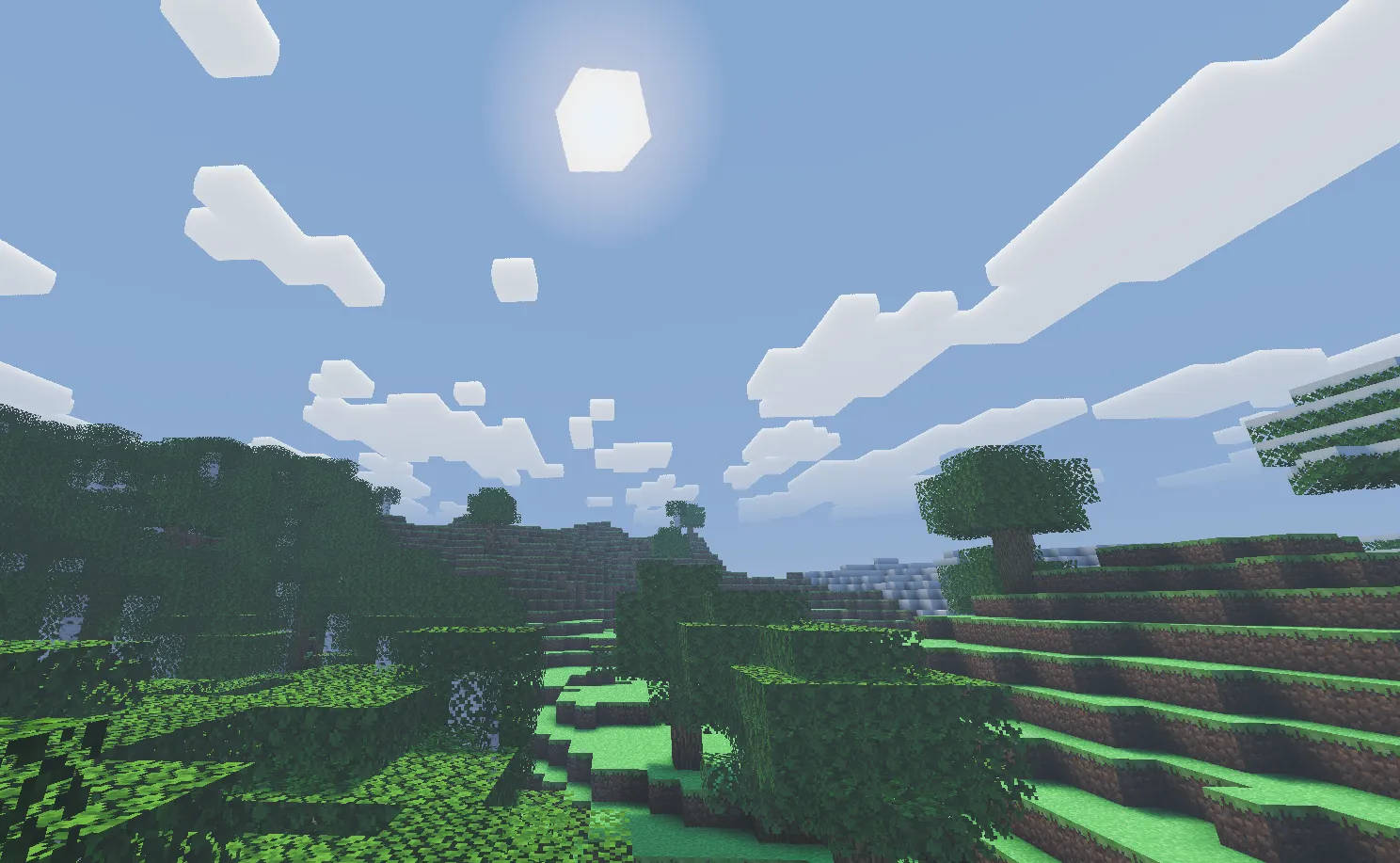
The VL color shifts dynamically across the day-night cycle, driven by sunAngle and sunVisibility. Three color regimes blend together:
Noon produces cool blue-white shafts (VL_NOON_COLOR = float3(0.4, 0.75, 1.3)), matching the overhead sky. A noon intensity reduction scales VL down to 12.5% at peak noon, since the sky is already uniformly bright and light shafts would look unnatural at full strength.
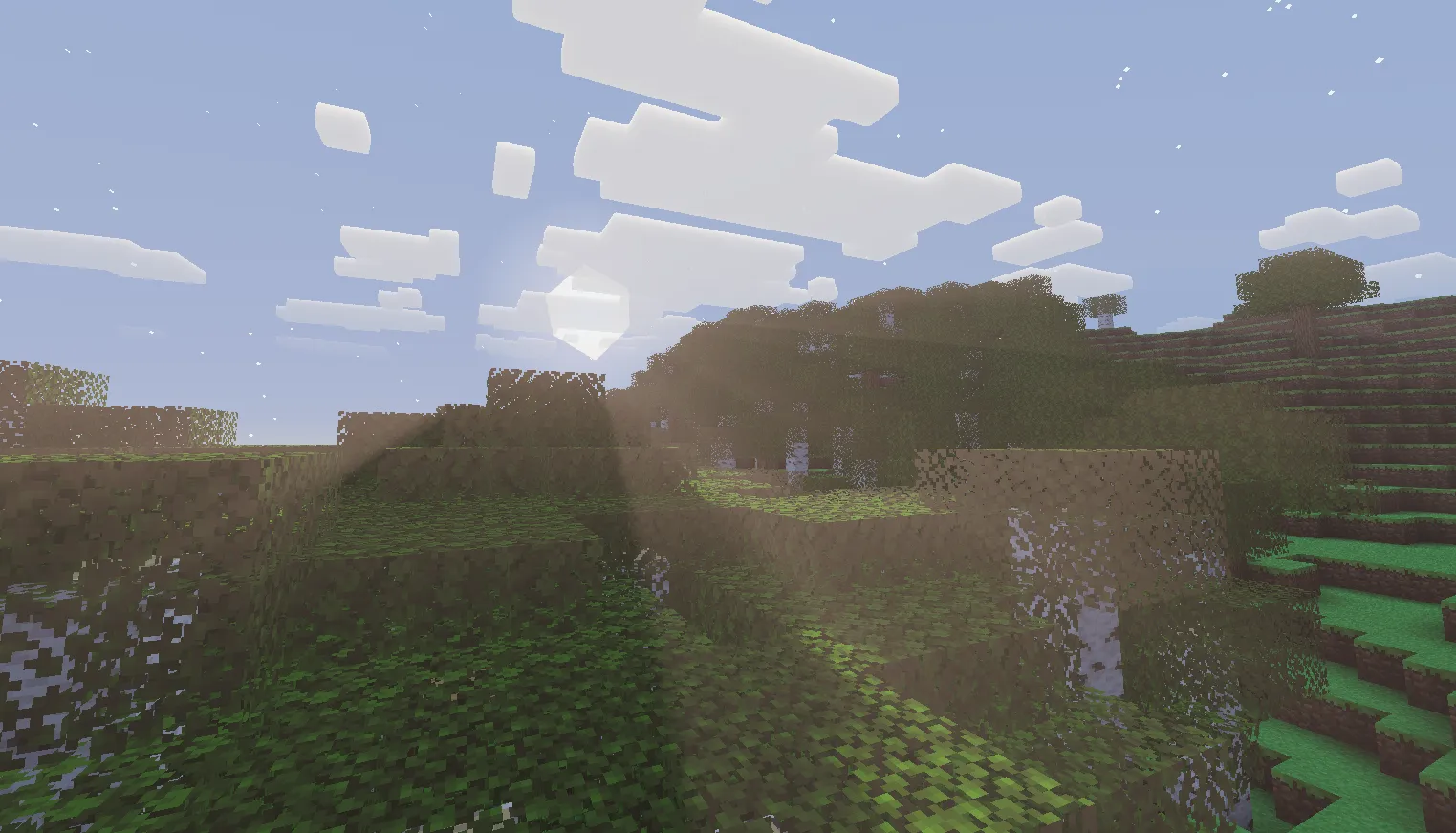
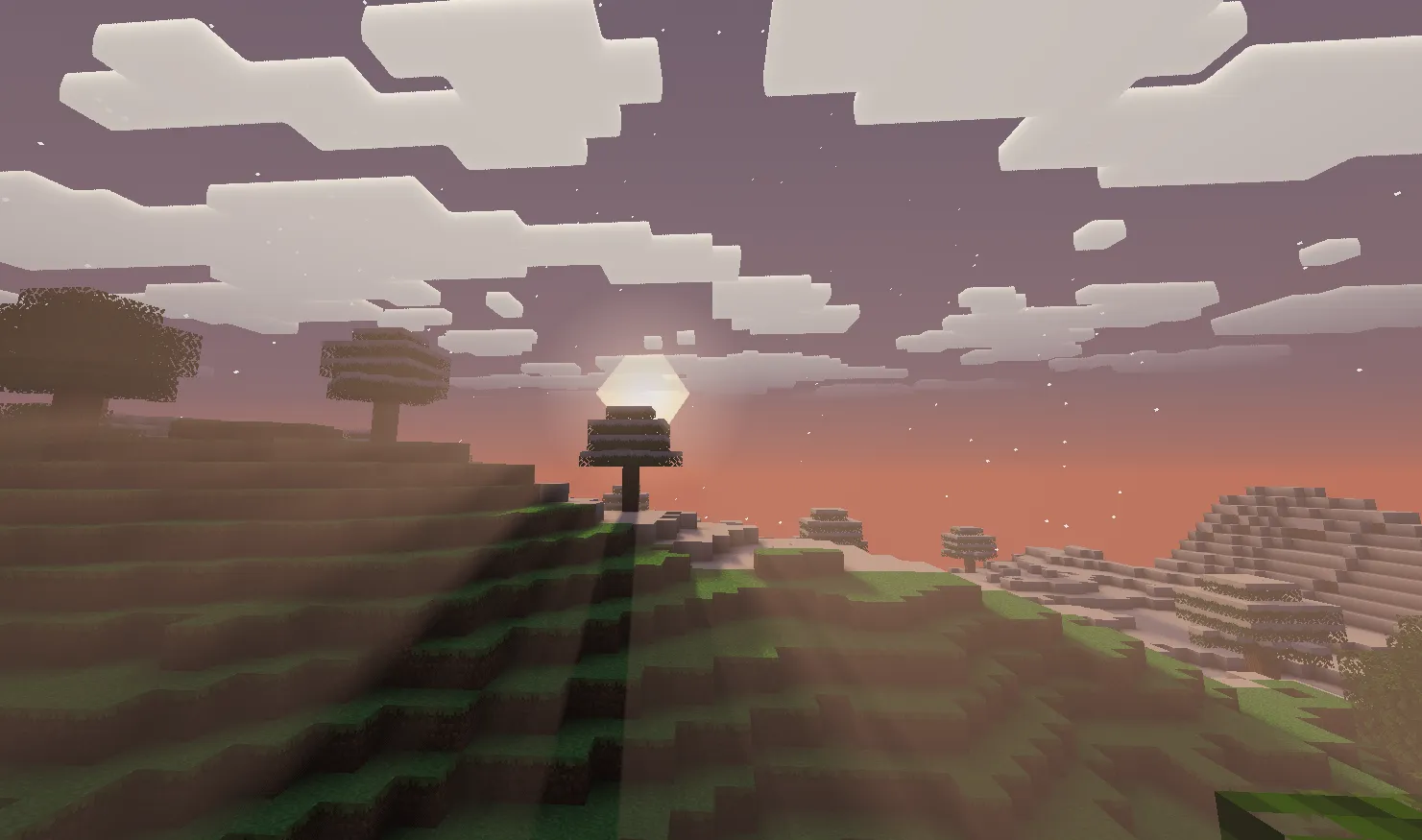
Sunrise and Sunset produce warm orange-gold shafts through a dynamic calculation: pow(float3(0.62, 0.39, 0.24), 1.5 + invNoonFactor) scaled by VL_SUNSET_COLOR_MULT (5.5). The power curve deepens the warm tones as the sun approaches the horizon. This is when VL is at its most dramatic, with the noon reduction factor approaching 100%.
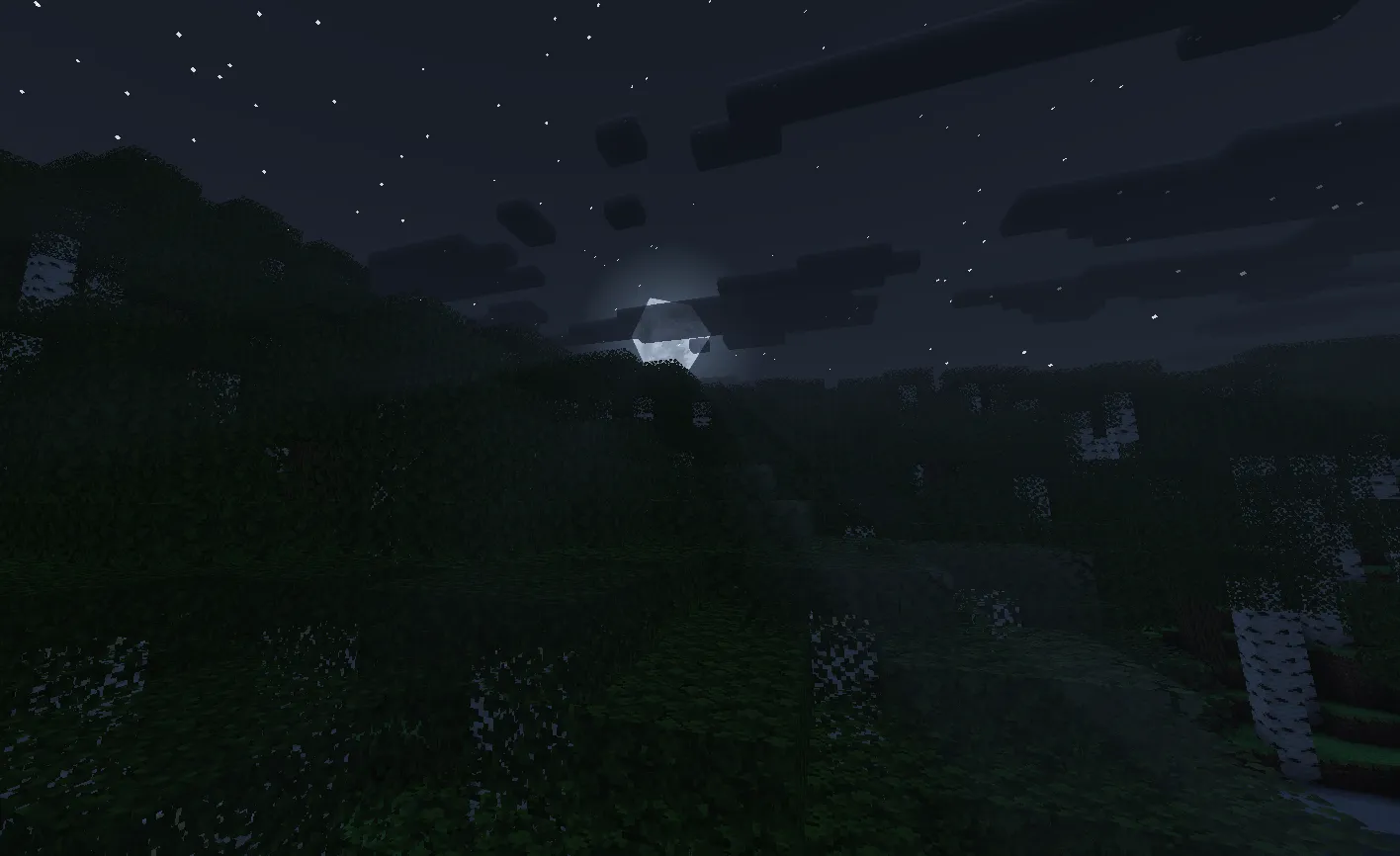
Night uses a subtle cool blue (VL_NIGHT_COLOR = float3(0.05, 0.08, 0.16)) with an overall intensity multiplier of 0.15, producing faint moonlit shafts that are visible but not overpowering.
The transition between day and night colors uses sunVisibility^2 for a smooth, non-linear blend through the twilight period.
float3 sunsetVLColor = pow(float3(0.62, 0.39, 0.24),
                           float3(1.5 + invNoonFactor, ...)) * VL_SUNSET_COLOR_MULT;
float3 dayVLColor    = lerp(sunsetVLColor, VL_NOON_COLOR, noonFactor * noonFactor);
float3 vlColor       = lerp(VL_NIGHT_COLOR, dayVLColor, sunVisibility * sunVisibility);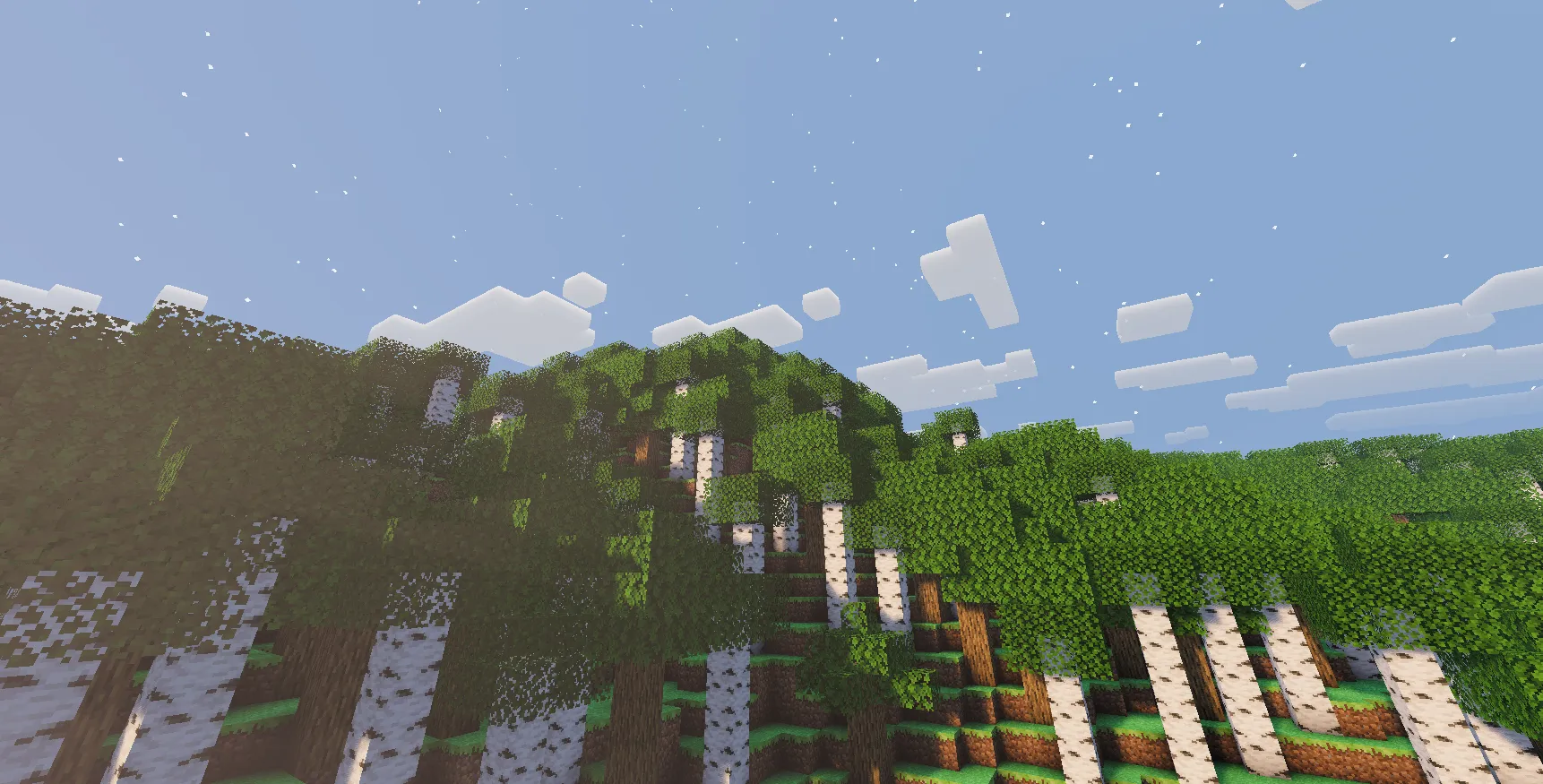
Cloud Depth Integration
The volumetric cloud system (covered in the companion cloud post) outputs a cloud linear depth value to colortex5.a during the deferred pass. The composite pass reads this as vlFactor and uses it to modulate VL intensity.
When vlFactor is 1.0, no cloud is present and VL operates at full strength. When a cloud exists between the camera and the light source, vlFactor drops below 1.0, attenuating the light shafts proportionally. This prevents god rays from incorrectly shining through cloud bodies.
// deferred1: cloud depth output
cloudLinearDepth = sqrt(lTracePos / renderDistance);
output.color1 = float4(0.0, 0.0, 0.0, cloudLinearDepth);

// composite1: read and apply
float vlFactor = colortex5.Sample(sampler1, input.TexCoord).a;
The integration is one-directional: the cloud system writes depth, and the VL system reads it. No re-sampling of cloud density is needed in the VL pass, keeping the two systems decoupled.
Underwater Volumetric Light
When the camera is submerged, the VL system switches to a specialized underwater mode that produces colored light rays filtering through the water surface. This creates the characteristic caustic-like shafts seen in underwater scenes.
Dual Shadow Map Testing
The colored ray effect relies on testing two shadow maps simultaneously:
- shadowtex0 contains depth for all geometry including translucent surfaces (water)
- shadowtex1 contains depth for opaque geometry only
When a VL sample is occluded by shadowtex0 but NOT by shadowtex1, the light is passing through a translucent surface. The system then samples shadowcolor1 to retrieve the tinted color of that surface, producing colored light shafts.
if (eyeInWater == EYE_IN_WATER)
{
    float shadow0 = SampleShadowForVL(shadowUV, shadowTex0, samp);

    if (shadow0 < 0.5) // Occluded by water surface
    {
        float shadow1 = SampleShadowForVL(shadowUV, shadowTex1, samp);
        if (shadow1 > 0.5) // But NOT by opaque geometry
        {
            // Light passes through water: sample tinted color
            float3 colSample = shadowColTex.Sample(samp, shadowUV.xy).rgb * 4.0;
            colSample *= colSample;  // Square for intensity
            colSample *= vlColorReducer;  // Normalize to prevent double-tinting
            vlSample = colSample;
        }
    }
}
Underwater Adaptations
Several parameters change when the camera enters water:
- Max march distance is capped at 80 world units (vs shadow distance for surface VL), since water rapidly attenuates light
- Scene intensity is forced to 1.0, bypassing cloud modulation to ensure colored rays remain visible
- Shadow sampling uses binary comparison (hard 0/1) instead of the soft comparison used on the surface, producing crisp light shaft boundaries underwater
- Sample weight is reduced to 0.85 per step, slightly darkening the overall underwater VL
After the ray march, an additional underwater attenuation is applied based on the water fog color and day/night cycle:
float3 underwaterMult = UNDERWATER_MULT_DAY * lerp(UNDERWATER_NIGHT_MULT, 1.0, sunVis2);
float3 uwMult071 = underwaterMult * 0.71;
vl *= uwMult071 * uwMult071; // Squared attenuation
Noise Texture
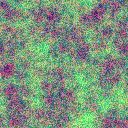
The system uses a noise.png texture (bilinear filtered, tiling) as a supplementary noise source for underwater effects. The texture provides smooth, repeating noise patterns that help break up uniformity in the underwater light distribution.
Configuration
All VL parameters are exposed in settings.hlsl with slider ranges, following the Iris/OptiFine shader options convention.
Core VL Parameters
| Parameter | Default | Range | Purpose |
|---|---|---|---|
LIGHTSHAFT_QUALI | 4 | 1, 2, 3, 4 | Quality level (sample count) |
VL_STRENGTH | 0.5 | 0.25 to 1.5 | Overall VL intensity |
VL_SUNSET_COLOR_MULT | 5.5 | 2.0 to 8.0 | Sunrise/sunset color intensity |
VL_SUN_DEADZONE | 0.05 | 0.05 to 0.25 | Min sun elevation for VL |
VL_SUN_FADE_RANGE | 0.20 | 0.10 to 0.30 | Elevation range for VL ramp |
Underwater VL Parameters
| Parameter | Default | Range | Purpose |
|---|---|---|---|
WATER_VL_STRENGTH | 1.0 | 0.0 to 2.0 | Underwater VL intensity |
WATER_FOG_MULT | 100 | 25 to 300 | Underwater fog density (%) |
WATER_UW_FOG_DISTANCE | 48.0 | 16.0 to 96.0 | Base fog distance in blocks |
UNDERWATER_NIGHT_MULT | 0.6 | 0.3 to 1.0 | Night underwater brightness |
VL Color Constants
// Noon: cool blue-white
VL_NOON_COLOR  = float3(0.4, 0.75, 1.3);

// Night: subtle cool blue
VL_NIGHT_COLOR = float3(0.05, 0.08, 0.16);
VL_NIGHT_MULT  = 0.15;

// Sunset: dynamically computed
// pow(float3(0.62, 0.39, 0.24), 1.5 + invNoonFactor) * VL_SUNSET_COLOR_MULT
Final Results
Design Philosophy
Across the volumetric light system, several principles guided the architecture and implementation decisions:
Shadow Map Reuse Over Dedicated Buffers — The VL system samples the existing shadow maps (shadowtex0, shadowtex1, shadowcolor1) rather than rendering a separate light volume or radial blur. This keeps memory usage constant and avoids an extra rendering pass, at the cost of being limited to the shadow map’s resolution and coverage area.
Physically Motivated Artistic Controls — The sun elevation gate, noon intensity reduction, and directional modulation all have physical justifications (shadow precision, sky brightness, scattering directionality), but their parameters are tuned for visual appeal rather than physical accuracy. The VL_SUNSET_COLOR_MULT at 5.5x is far beyond physical correctness, but it produces the dramatic golden shafts that define the Reimagined style.
Decoupled Atmospheric Integration — The cloud system writes depth to a render target, and the VL system reads it. The underwater system modifies VL behavior through parameter switches, not code branching in the cloud system. Each atmospheric effect operates independently, communicating only through well-defined render target channels.
Graceful Degradation by Time of Day — Rather than applying uniform VL across all conditions, the system scales intensity and sample count based on when VL matters most. Sunrise and sunset get full intensity with warm colors. Noon gets 12.5% with cool tones. Night gets 15% with minimal samples. This concentrates GPU budget where the visual payoff is highest.
Looking For More?
Check out some of our other blogs if you haven't already!